
Selling online lets a small business reach customers far beyond its city. The steps are straightforward when you take them in order. Here is the path we follow with our own e-commerce clients.
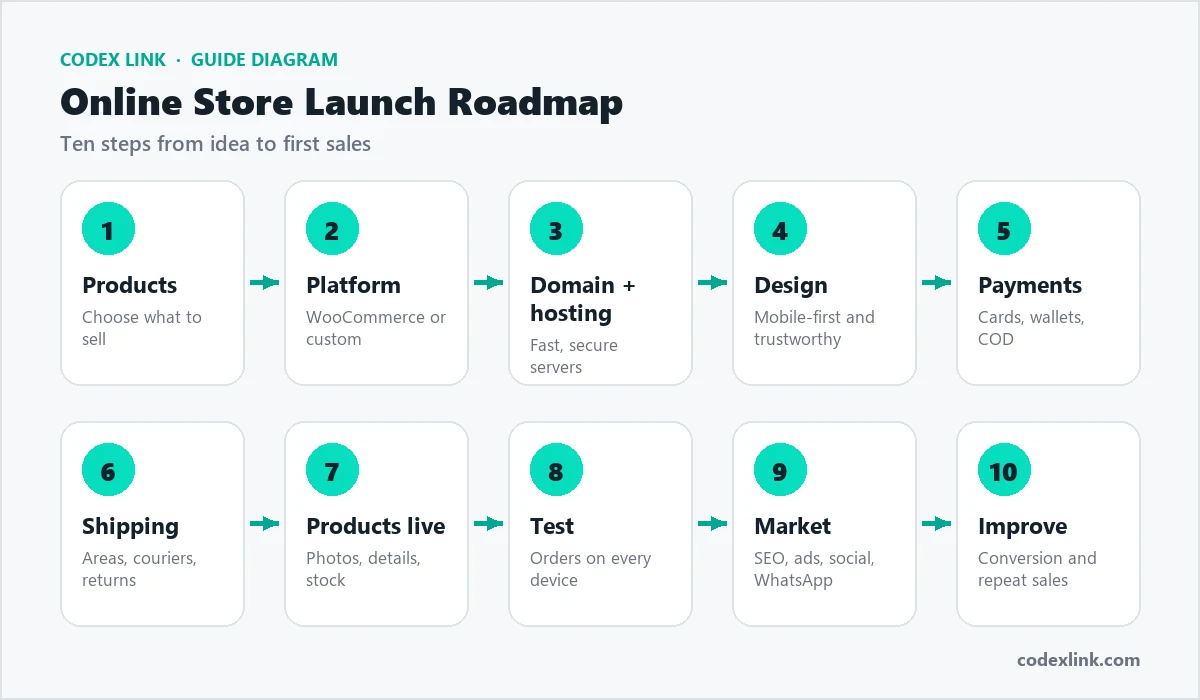
Step 1: Choose what you will sell
Pick products you understand, with healthy margins after shipping and payment fees. Check demand by looking at what people search for and what competitors sell.
Step 2: Pick your platform
- WooCommerce (WordPress): flexible, you own your store, great for content and SEO.
- Custom store: best for unique products, complex pricing or high traffic.
- Hosted platforms: quick to start, but with monthly fees and less control.
Step 3: Get a domain and reliable hosting
A short, memorable domain builds trust. Fast, secure hosting matters even more for a store: slow checkouts lose sales. See our guide to choosing web hosting.
Step 4: Design for trust and mobile shoppers
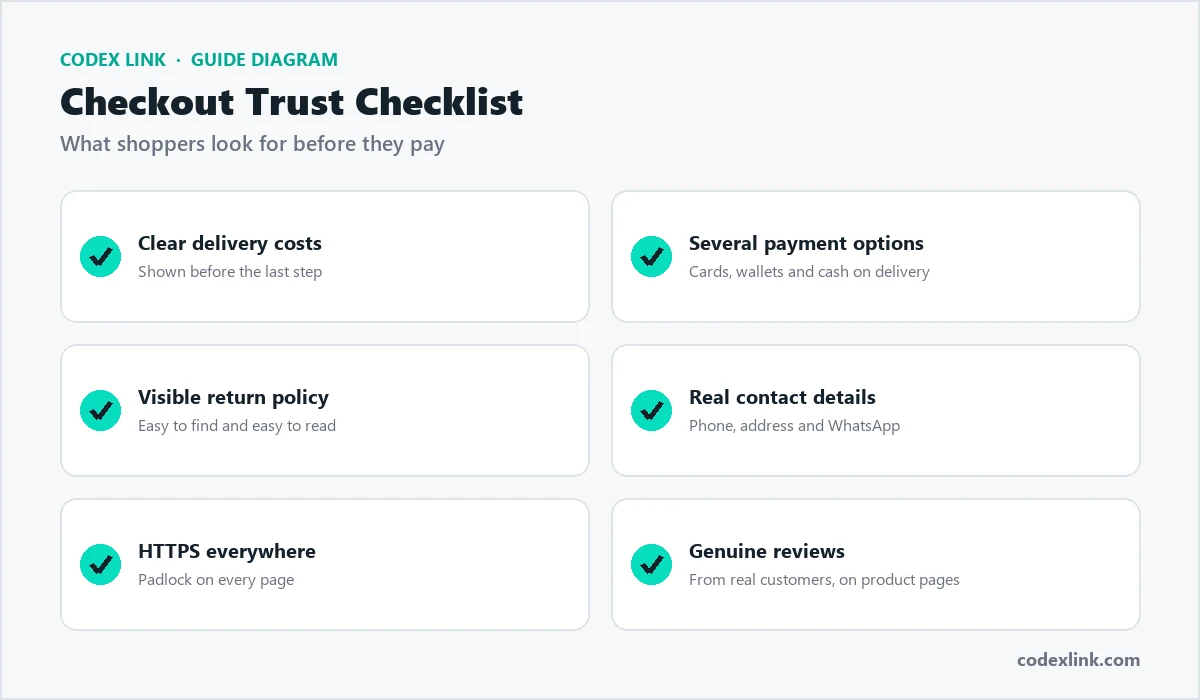
Most shoppers buy on their phones. Use clear product photos, honest descriptions, visible prices, and easy-to-find delivery and return policies.
Step 5: Set up payments
Offer the payment methods your customers already use: cards, bank transfer, mobile wallets and cash on delivery where it is common. Make checkout short, with guest checkout available.
Step 6: Plan shipping and returns
Decide your delivery areas, couriers and rates before launch. A clear returns policy reduces hesitation and support questions.
Step 7: Add products properly
Write unique product titles and descriptions, add several photos, and fill in sizes, variants and stock. Unique descriptions also help your products rank on Google.
Step 8: Test before launch
Place test orders on mobile and desktop, check emails and invoices, and make sure stock updates correctly.

Step 9: Market your store
- SEO for product and category pages that bring free traffic.
- Google Ads and Shopping campaigns for immediate sales.
- Social media to show products in use and build a following.
- Email and WhatsApp to bring back previous customers.
Step 10: Measure and improve
Track conversion rate, average order value and abandoned carts. Small improvements to product pages and checkout often lift sales more than extra traffic.
Legal and trust essentials
- Clear policies: privacy, terms, delivery and returns pages that are easy to find.
- Business details: a real address, phone number and WhatsApp contact build confidence.
- Secure checkout: HTTPS on every page and a trusted payment provider.
- Reviews: collect reviews from early customers and show them on product pages.
Common mistakes new store owners make
- Launching with too many products and too little detail on each one.
- Hiding delivery costs until the last step of checkout, which causes abandoned carts.
- Using copied product descriptions, which rarely rank on Google.
- Forgetting to follow up with customers after their first order.
Launch your store with CodeX Link
We build fast, mobile-first online stores with secure checkout, inventory management and store migration, host them on reliable servers, and grow them with digital marketing. Tell us about your products and we will plan your store with you.