
Your hosting decides how fast your website loads, how often it goes down and how safe your customer data is. Pick the wrong plan and you pay for it twice: once in the monthly bill, and again in lost visitors who leave a slow site. This guide walks through what actually matters, so you can choose with confidence.
1. Start with what your website needs
Before comparing plans, write down three things:
- Type of site: a company website, a blog, an online store or a web app.
- Expected traffic: a few hundred visitors a day, or tens of thousands.
- Technical comfort: do you want a simple control panel, or full server access?
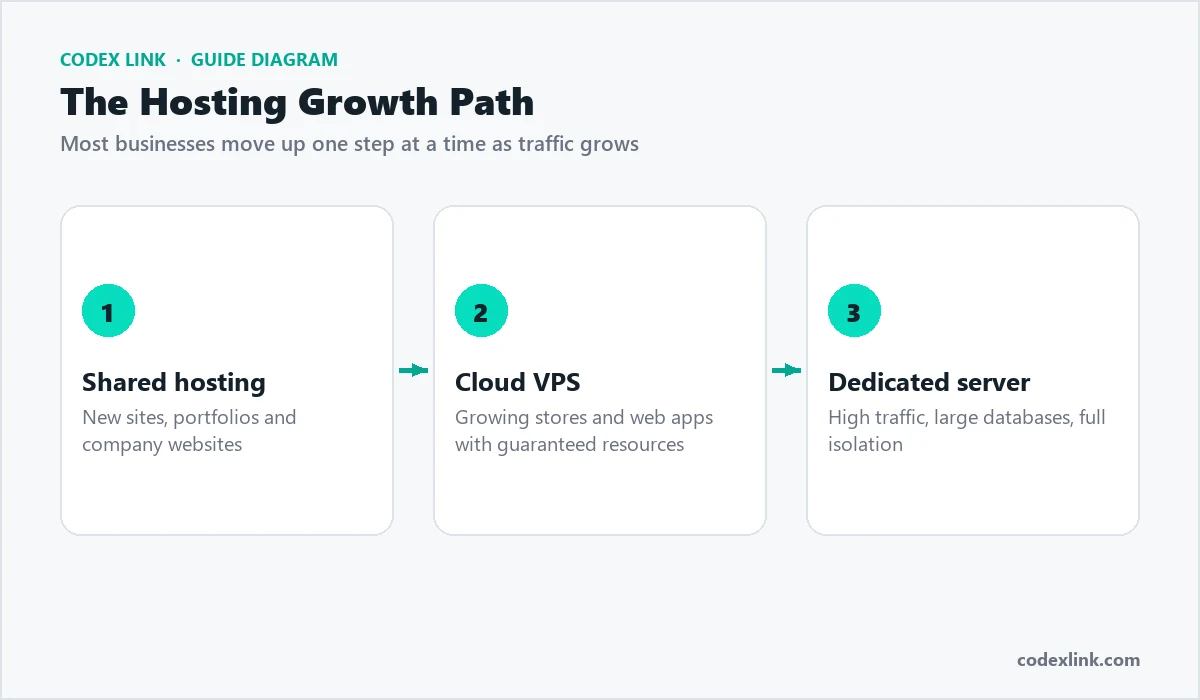
Most business and portfolio websites run perfectly on good shared hosting. Busy online stores and custom applications usually need a VPS or a dedicated server.
2. Speed: look at the storage and the server software
Google uses page speed as a ranking signal, and visitors abandon slow pages. Three things make the biggest difference:
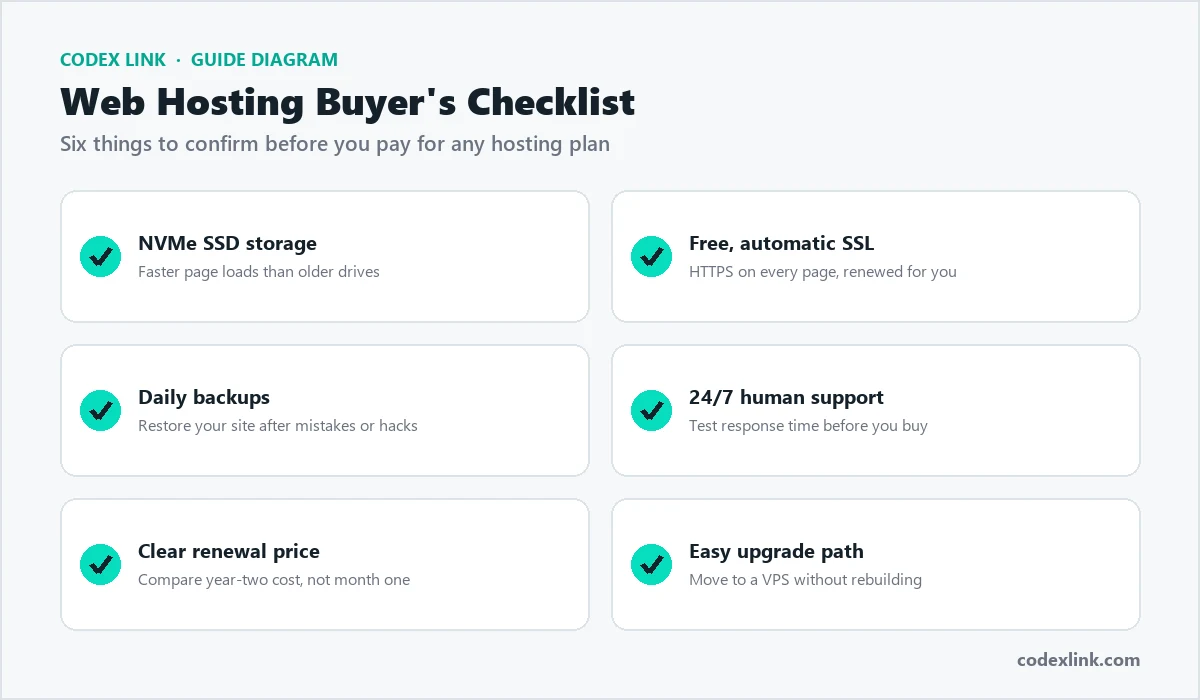
- NVMe SSD storage reads and writes data far faster than older hard drives.
- Modern web server software such as LiteSpeed serves pages quickly and includes built-in caching.
- Server location close to your customers shortens the distance data has to travel.
3. Uptime and backups
Every minute your site is down, customers cannot find you. Ask the host what uptime they commit to and how often they back up your files and databases. Automatic daily backups, kept for several days, mean a mistake or a hacked plugin is an inconvenience instead of a disaster.
4. Security that is included, not sold as an extra
A free SSL certificate is now the minimum: browsers mark sites without HTTPS as "Not secure", and Google prefers secure pages. Also look for malware scanning, a web application firewall and spam filtering for your business email.
5. Support you can actually reach
Hosting problems rarely happen at convenient times. Check that support is available 24/7, and test it before you buy: send a pre-sales question and see how quickly and clearly they answer.
6. Compare the renewal price, not just the first month
Many hosts advertise a low introductory price and raise it sharply at renewal. Compare the price you will pay in year two, and check what is included: number of websites, email accounts, storage and bandwidth.
Quick checklist
| Feature | What to look for |
|---|---|
| Storage | NVMe SSD |
| SSL | Free and automatic |
| Backups | Automatic, daily |
| Control panel | cPanel or similar, easy to use |
| Support | 24/7 by chat, ticket or WhatsApp |
| Upgrade path | Easy move to VPS when you grow |
Questions to ask a host before you buy
- Where are your servers located? Choose a location close to most of your visitors.
- What happens if my site gets hacked? A good host helps you restore a clean backup and find the cause.
- Are there limits on CPU, memory or processes? "Unlimited" plans almost always have fair-use limits, so ask what they are.
- Is email included? Business email on your own domain looks more professional than a free address.
- Can you migrate my existing site? Moving files, databases and email is where many problems happen.
- How do I upgrade? Check that you can move to a bigger plan or a VPS without rebuilding your site.
Common mistakes to avoid
- Choosing on price alone. The cheapest plan often means slow servers and slow support, which costs more in lost sales.
- Ignoring backups. Keep your own copy as well as the host's automatic backups.
- Buying far more than you need. Start with a plan that fits today and upgrade as you grow.
- Letting someone else own your domain. Make sure the domain is registered in your name and you control it.
How CodeX Link can help
CodeX Link web hosting includes NVMe SSD storage, free SSL, cPanel and 24/7 support, and you can move up to a Cloud VPS whenever your traffic grows. If you are not sure which plan fits, message our team and we will recommend one based on your site, not on the most expensive option.