People who search for LinkedIn Premium prices are usually close to buying. They want to know what it costs, whether a cheaper route exists, and which plan fits. This page answers those questions directly.
Prices on LinkedIn itself change by country and over time, so we explain how the pricing works instead of quoting figures that may be out of date. Where we mention a price, it is the one listed on the CodeX Link marketplace.
Where to buy and what it costs
Where can I buy LinkedIn Premium?
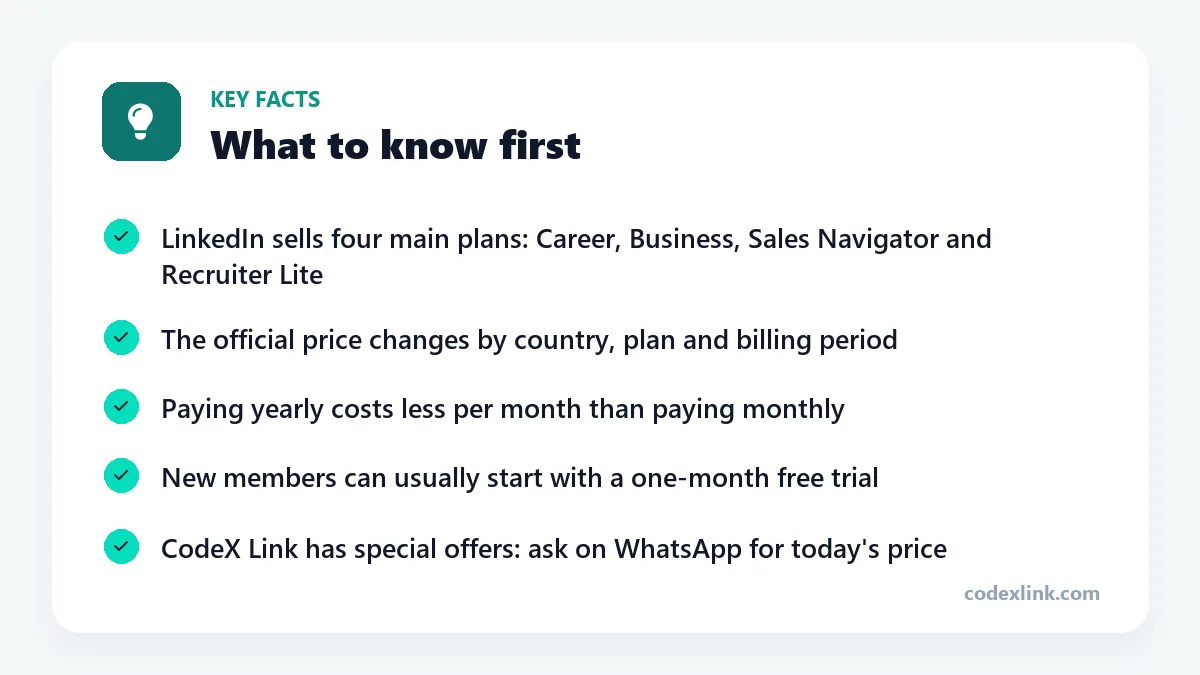
LinkedIn Premium is sold directly by LinkedIn: open your profile menu and choose the Premium option, or subscribe through the LinkedIn mobile app. If paying with an international card is the obstacle, CodeX Link can help you set up and activate an official LinkedIn Premium plan (Career, Business or Sales Navigator) on your own account. You can browse the plans in its marketplace and arrange everything over WhatsApp.
How much does LinkedIn Premium cost?
The official price depends on the plan, your country and whether you pay monthly or yearly, and LinkedIn shows the exact figure at checkout. Paying yearly works out cheaper per month than paying monthly. If you would like help choosing a plan or completing the payment, ask the CodeX Link team on WhatsApp.
What is the cheapest LinkedIn Premium subscription?
Premium Career is the lowest-priced plan LinkedIn sells. It is built for job seekers and includes 5 InMail credits a month, the full list of profile viewers, applicant insights and LinkedIn Learning. If you only need courses, a LinkedIn Learning subscription on its own can cost less in some markets.
Where can I purchase a LinkedIn Premium subscription?
There are two official routes: LinkedIn's website and the LinkedIn app on your phone. Buying in the app sometimes costs more because of app store fees. If an international payment method is the problem, CodeX Link can help you complete an official subscription; confirm which plan you are getting and how it is activated before you pay.
How do I buy LinkedIn Premium online?
On LinkedIn, select your profile picture, choose the Premium option, pick a plan and enter a payment card. If you need help with payment or choosing a plan, message CodeX Link on WhatsApp. The team helps you complete the official purchase and activation on your own account.
Can I buy LinkedIn Premium for one month?
Yes. LinkedIn's monthly billing lets you pay for a single month and cancel before it renews, while annual billing lowers the monthly cost. If you want help selecting a monthly or yearly plan, the CodeX Link team can guide you on WhatsApp.
Is LinkedIn Premium available in Pakistan?
Yes. LinkedIn Premium can be purchased from Pakistan, and all the main features work there. The practical difficulty for many people is paying with a card that supports international transactions, which is where a local payment-assistance service such as CodeX Link can help.
Can I pay for LinkedIn Premium in PKR?
LinkedIn shows the price in the currency it supports for your country at checkout, and your bank converts it if needed. If you would rather arrange payment locally, ask the CodeX Link team on WhatsApp which payment methods they can help with for the plan you want.
Discounts and lower prices
How can I get LinkedIn Premium at a discounted price?
The official ways are the one-month free trial, annual billing (which lowers the monthly cost), and occasional promotional offers LinkedIn sends to selected members. Be cautious of offers far below the official price, as these can break LinkedIn's terms and put your account at risk. CodeX Link works with official plans and can help you pick the most cost-effective option.
Where can I buy cheap LinkedIn Premium?
The safe ways to pay less are the free trial, annual billing and LinkedIn's own promotions, rather than unofficial offers that undercut the official price and put your account at risk. If you want help finding the best-value official plan for your needs, CodeX Link answers questions on WhatsApp before you order.
Are there any LinkedIn Premium offers?
LinkedIn regularly offers a free first month to eligible members and sometimes sends discount offers by email or in the app to people who have cancelled or never subscribed. These offers are tied to your account, so the best place to check is the Premium page while signed in.
How can I get LinkedIn Premium at a lower price?
Choose annual billing instead of monthly, start with the free trial, pick the smallest plan that covers your needs, and cancel in months when you aren't using it. Buying on the website instead of the mobile app can also avoid app store mark-ups.
Is there a student discount for LinkedIn Premium?
LinkedIn has run student offers in some countries, and many universities give students free access to LinkedIn Learning through the institution. Availability changes, so check LinkedIn's Premium page while signed in with your student details and ask your university's careers office.
Choosing a plan
Is LinkedIn Premium worth paying for?
It is worth paying for when you will use its tools every week: messaging people outside your network, seeing who viewed your profile, or prospecting for clients. If you only keep a profile and reply to messages, the free account does the job. Our Premium Career guide goes through this in detail.
What is the difference between LinkedIn Premium plans?
Career is for job seekers, with 5 InMails a month. Business is for professionals and owners, with 15 InMails and unlimited browsing. Sales Navigator is a prospecting tool with advanced filters and 50 InMails. Recruiter Lite is for hiring, with candidate search tools and 30 InMails.
What is the best LinkedIn Premium plan?
The best plan is the one that matches your goal. Job seekers should choose Career. Consultants, founders and people who network for business should choose Business. Anyone doing regular outbound sales should choose Sales Navigator, and people hiring staff should look at Recruiter Lite.
Is LinkedIn Premium better than a free account?
Premium is better for reaching people you don't know and for seeing more information: full profile viewers, applicant insights and unlimited searching on the higher plans. A free account is enough for maintaining a profile, posting, and messaging your existing connections.
| Plan | Price |
|---|---|
| LinkedIn Premium Career | Ask price |
| LinkedIn Business Premium | Ask price |
| LinkedIn Sales Navigator | Ask price |
| LinkedIn Verification Badge | Ask price |
Activation, gifting and renewal
Can I gift LinkedIn Premium to someone?
LinkedIn's standard checkout applies a subscription to the account that is signed in, so there is no simple gift option. If you want to help pay for someone else's official plan through CodeX Link, tell the team on WhatsApp and they will explain what they need from the recipient.
How do I activate LinkedIn Premium?
When you buy from LinkedIn, Premium is active as soon as the payment goes through, and a gold badge option appears in your settings. If CodeX Link helps with your purchase, the team guides you through activating the official plan on your own LinkedIn account. Afterwards, check your Premium features page to confirm.
How can I renew my LinkedIn Premium subscription?
A subscription bought from LinkedIn renews automatically until you cancel it, and annual plans end on their renewal date. If CodeX Link helped you subscribe, message the team on WhatsApp a few days before your plan is due so they can help you renew it.
LinkedIn plans on CodeX Link
These are the LinkedIn plans listed on the CodeX Link marketplace at the time of writing. Message the team on WhatsApp to confirm the price and how activation works before you order.
| Plan | Period | CodeX Link |
|---|---|---|
| LinkedIn Premium Career | 2 Months | Special offer |
| LinkedIn Premium Career | 1 Year | Special offer |
| LinkedIn Business Premium | 2 Months | Special offer |
| LinkedIn Business Premium | 1 Year | Special offer |
| LinkedIn Sales Navigator | 1 Month | Special offer |
| LinkedIn Verification Badge | 1 Year | Special offer |
Need a LinkedIn plan?
Chat with the CodeX Link team for the current price and activation details, or browse every tool in the marketplace.
LinkedIn is a trademark of its owner. Features, limits and prices change over time and differ by country, so confirm the current terms on LinkedIn before you buy.