
Table of Contents
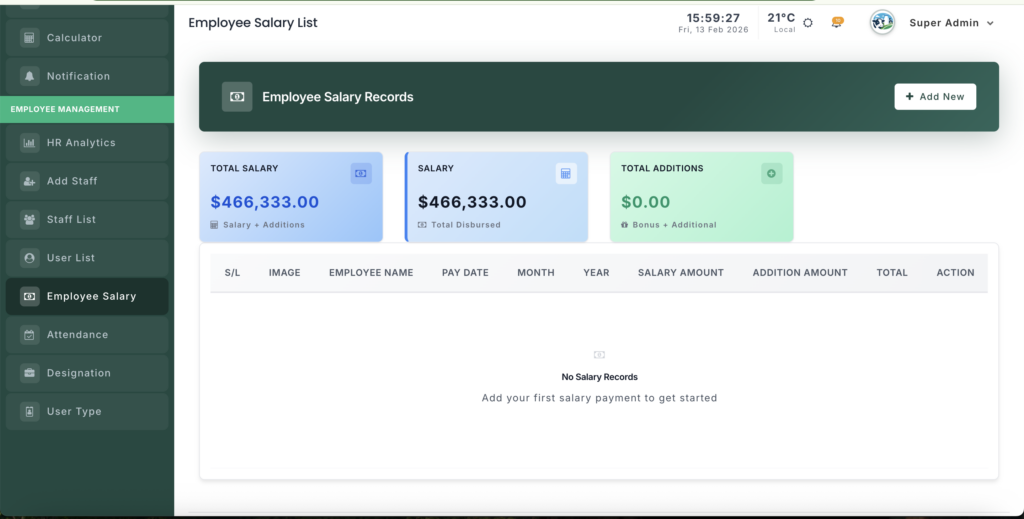
The Employee Salary Management module helps you record and track staff salary payments.
📍 Page Link #
http://127.0.0.1:8000/employee-salary
Key Steps #
1️⃣ View Salary Dashboard #
- See total HR expenses.
- Check average, minimum, and maximum salaries.
- View total bonuses paid.
2️⃣ Record Salary Payment #
- Select the employee.
- Choose month and year.
- Enter salary amount and any bonus.
- Add payment date and notes.
3️⃣ Check Payment History #
- View all past salary records.
- See salary, bonuses, and payment dates.


Leave a Reply
You must be logged in to post a comment.