
Table of Contents
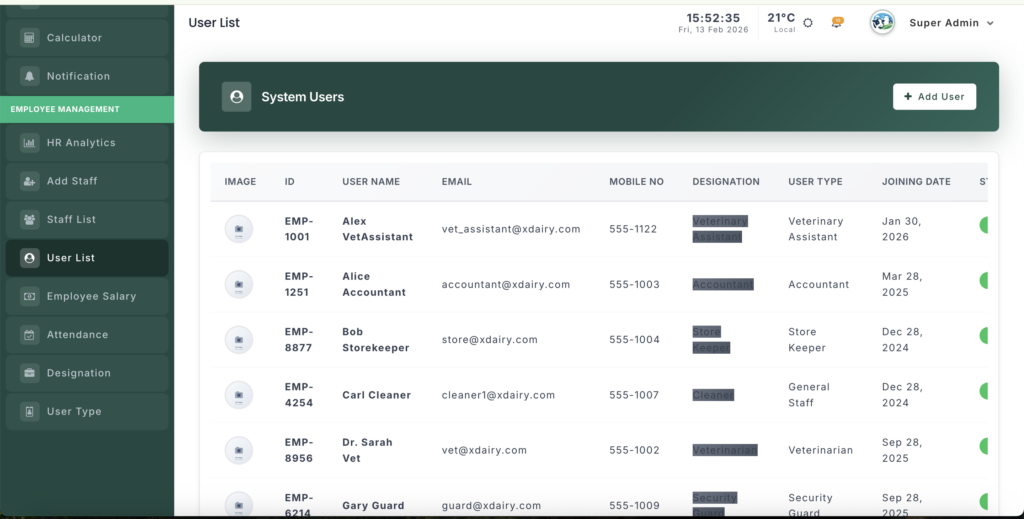
The User List module shows all staff who have system access and lets you manage their status.
📍 Page Link #
http://127.0.0.1:8000/user-list
Key Steps #
1️⃣ View System Users #
- See all users in a table.
- Check Photo, Name, Email, Role, Phone, and Joining Date.
2️⃣ Check Roles #
- View Designation (job role).
- See User Type (system permission level).
3️⃣ Manage Status #
- Use the toggle switch to activate or deactivate a user.
- Changes save instantly (no page reload).
4️⃣ Manage Accounts #
From the action buttons you can:
- ✏️ Edit user details
- 🗑️ Remove user account


Leave a Reply
You must be logged in to post a comment.