Notion Plus is Notion's first paid plan, aimed at small teams and heavy individual users. It adds unlimited blocks for teams, unlimited file uploads, 30-day page history and up to 100 guest collaborators.
Key takeaways
- Notion's free plan is enough for one person. Plus is aimed at small teams and heavy personal users.
- The upgrades that matter are unlimited blocks for teams, unlimited file uploads, 30-day page history and up to 100 guests.
- Notion AI is sold and bundled separately from the Plus features, so check what your plan includes.
Notion is one of those tools people either ignore or organise their whole life in. If you're in the second group, you've probably wondered whether the paid plan is worth it, since the free one already seems to do everything.
For a single user, it nearly does. The Plus plan exists for the moment that stops being true.
What Notion is, briefly
Notion combines notes, documents, task lists and databases in one workspace. A page can hold text, a table, a calendar, a kanban board or all of them together. Teams use it for wikis, project tracking and meeting notes. Individuals use it for everything from reading lists to budgets.
Where the free plan stops
For personal use the free plan gives you unlimited pages and blocks. The limits appear in three places.
Teams. When more than one member shares a workspace on the free plan, there's a cap on the number of blocks. A small team will reach it within weeks of real use.
File uploads. Free accounts can upload files only up to a small size limit each. That rules out most videos, large PDFs and design files.
History. Free plans keep only a few days of page history. If someone deletes a section and nobody notices that week, it's gone.
What Notion Plus adds
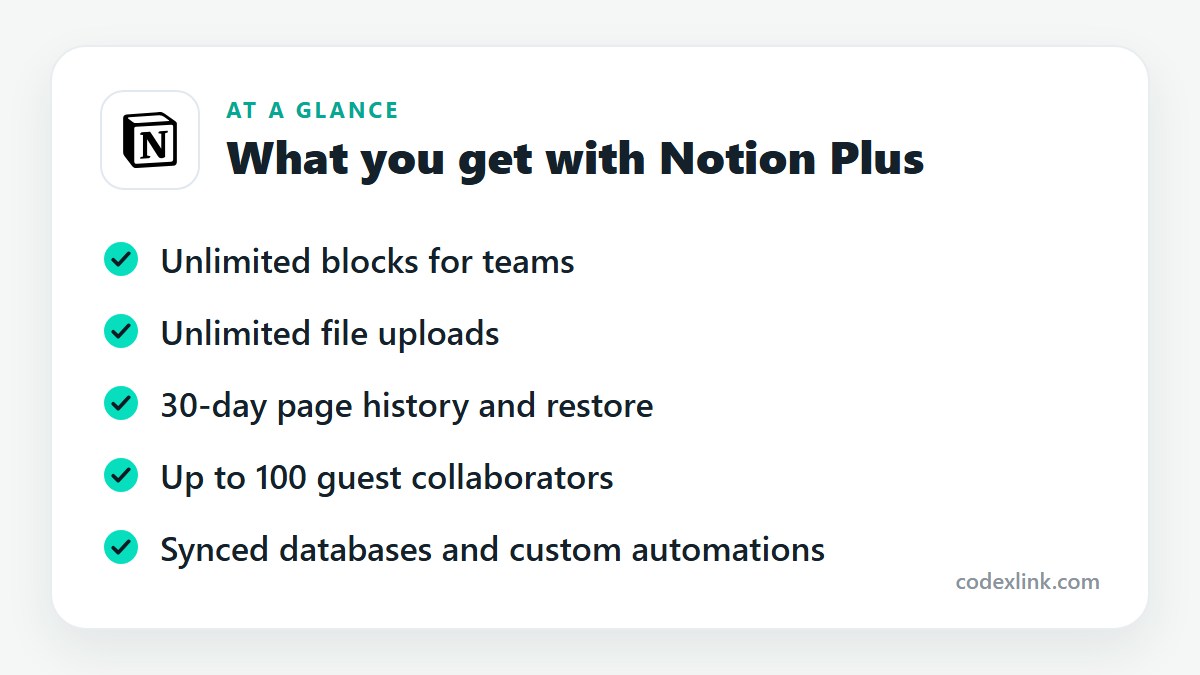
- Unlimited blocks for teams, so a shared workspace can grow without a ceiling.
- Unlimited file uploads, with no per-file size cap for normal use.
- 30-day page history, letting you view and restore earlier versions.
- Up to 100 guests, compared with a small number on the free plan. Guests are people you invite to specific pages, such as clients or contractors.
- More automation and synced databases, including custom database automations and more connections to other tools.
What about Notion AI?
Notion AI can write, summarise, translate and answer questions using the content of your workspace. How it's packaged has changed more than once: at times it has been an add-on to any plan, and at others bundled into higher tiers with a limited trial elsewhere.
Don't assume it's part of Plus. Check Notion's current pricing page, or ask the seller, if AI is the reason you're upgrading.
Who should upgrade
Plus makes sense for a team of two to ten people running projects or documentation in Notion, and for freelancers who share pages with many clients.
It also suits individuals who store large files or want a safety net. Thirty days of history is cheap insurance for a workspace you depend on.
If you're a solo user with text-based notes and small attachments, stay on the free plan. Larger companies that need single sign-on, private team spaces and longer history should look at Notion's Business plan.
Setting up well after upgrading
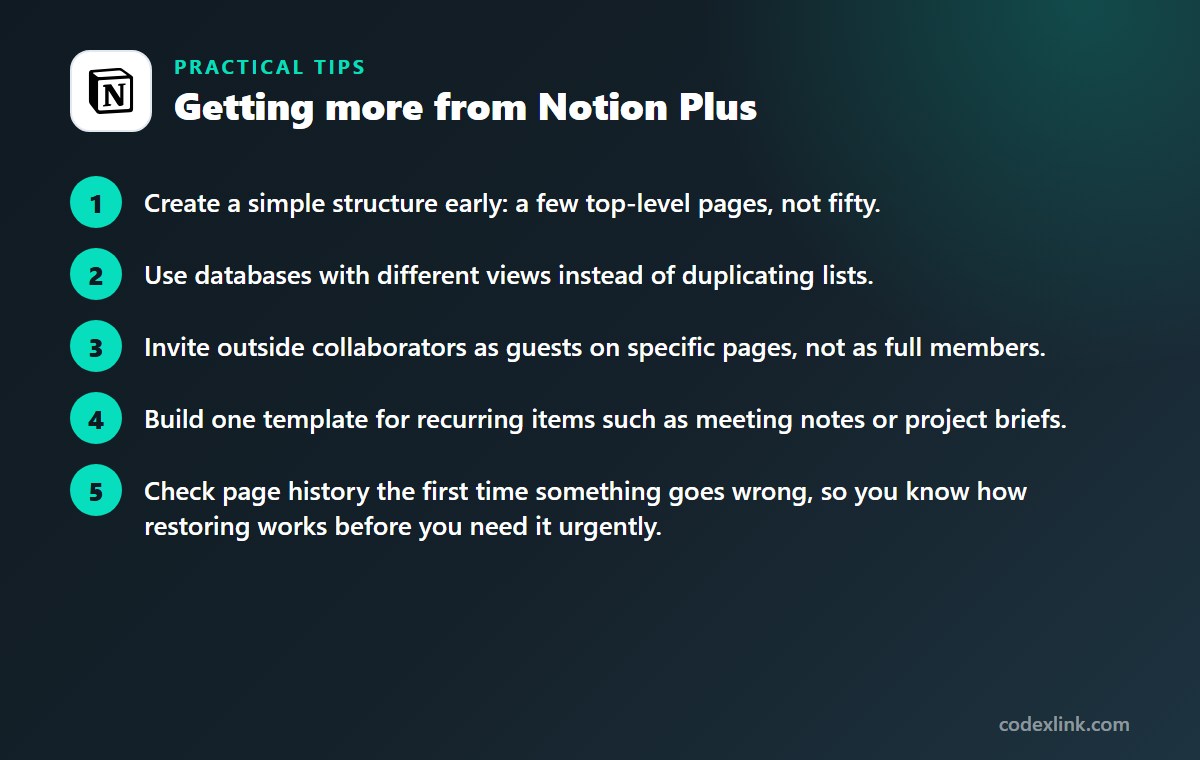
- Create a simple structure early: a few top-level pages, not fifty.
- Use databases with different views instead of duplicating lists.
- Invite outside collaborators as guests on specific pages, not as full members.
- Build one template for recurring items such as meeting notes or project briefs.
- Check page history the first time something goes wrong, so you know how restoring works before you need it urgently.
Notion Plus availability and pricing around the world
Notion works in any country with access to its service and is priced in US dollars for most customers, with tax added where it applies. The interface is available in a growing list of languages, including English, Spanish, French, German, Portuguese, Japanese and Korean.
Students and educators with a qualifying school email address can get the Plus plan free for personal use through Notion's education programme.
Notion Free vs Notion Plus: quick comparison
| Feature | Notion Free | Notion Plus |
|---|---|---|
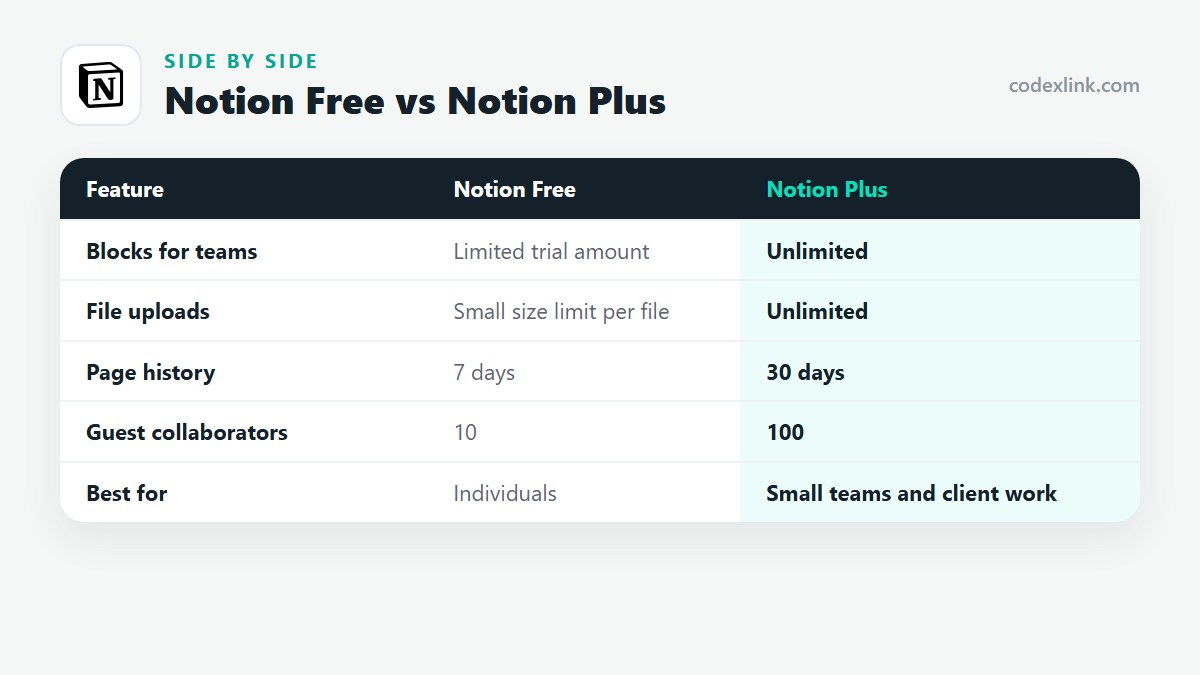
| Blocks for teams | Limited trial amount | Unlimited |
| File uploads | Small size limit per file | Unlimited |
| Page history | 7 days | 30 days |
| Guest collaborators | 10 | 100 |
| Best for | Individuals | Small teams and client work |
Notion Plus pros and cons
Pros
- Removes the block limit that small teams hit quickly
- 30 days of history protects against accidental deletions
- Generous guest allowance for client collaboration
Cons
- Solo users rarely need it
- Notion AI may be charged separately
- Larger companies need the Business plan
Getting Notion Plus through CodeX Link
Notion Plus is available in the CodeX Link marketplace. Message the team on WhatsApp for the current price and to confirm how the plan is applied to your workspace.
How to order
- Choose Notion Plus on the marketplace.
- Message the team on WhatsApp to confirm the price, plan and activation steps.
- Complete activation and start using it.
Frequently asked questions
Is Notion Plus worth it?
It is worth it for small teams and for individuals who upload large files or want 30 days of version history. Solo users with simple notes can stay on the free plan.
What is the difference between Notion free and Plus?
Plus removes the block limit for teams, allows unlimited file uploads, extends page history to 30 days, raises the guest limit to 100 and adds more automation options.
Does Notion Plus include Notion AI?
Not necessarily. Notion has packaged its AI features in different ways over time. Confirm on Notion's pricing page whether AI is included with the plan you're buying.
How many guests can I invite on Notion Plus?
Up to 100 guests. Guests can view or edit only the pages you share with them.
Can I move back to the free plan later?
Yes. Your content stays in the workspace. Features beyond the free limits, such as extended history and large file uploads, stop being available.
Can students get Notion Plus for free?
Yes. Notion offers its Plus plan free to students and educators who sign up with an eligible school email address, for individual use.
How much does Notion Plus cost?
The official price is set by the provider and varies by country, plan and billing period. On the CodeX Link marketplace, Notion Plus is listed at $7.50 per month at the time of writing.
How do I buy Notion Plus from CodeX Link?
Choose Notion Plus on the CodeX Link marketplace, then message the team on WhatsApp to confirm the price and plan. They guide you through payment and activation.
Interested in Notion Plus?
Chat with the CodeX Link team for the current price and activation details, or browse every tool in the marketplace.
Product names and logos belong to their respective owners. Features and plan details change over time, so confirm the current terms with the provider before you buy.