Figma Professional is Figma's paid plan for freelancers and small teams. It removes the file and page limits of the free Starter plan and adds shared team libraries, unlimited version history, advanced prototyping and Dev Mode.
Key takeaways
- Figma's free Starter plan limits the number of files and pages in a team. Professional removes those limits.
- Shared team libraries and full version history are the features that change how a design team works.
- Figma charges per seat, and seat types differ, so only pay for the people who need to edit.
Figma became the default tool for interface design partly because the free plan is so usable. You can learn it, build a portfolio and even ship a small product without paying.
The limits show up when the work gets serious or when a second person joins. That's what the Professional plan is for.
What Figma is
Figma is a browser-based design tool for websites, apps and other digital products. Everything lives online, so several people can work in the same file at once, leave comments and see changes as they happen. It also includes FigJam for whiteboarding and tools for turning static screens into clickable prototypes.
Where the Starter plan stops
The free Starter plan allows unlimited personal drafts, but files shared in a team are capped at a small number, and each file can hold only a few pages. Version history covers 30 days.
For a student, that's fine. For a real project with several flows, a component library and months of iteration, you run out of room.
What Professional adds
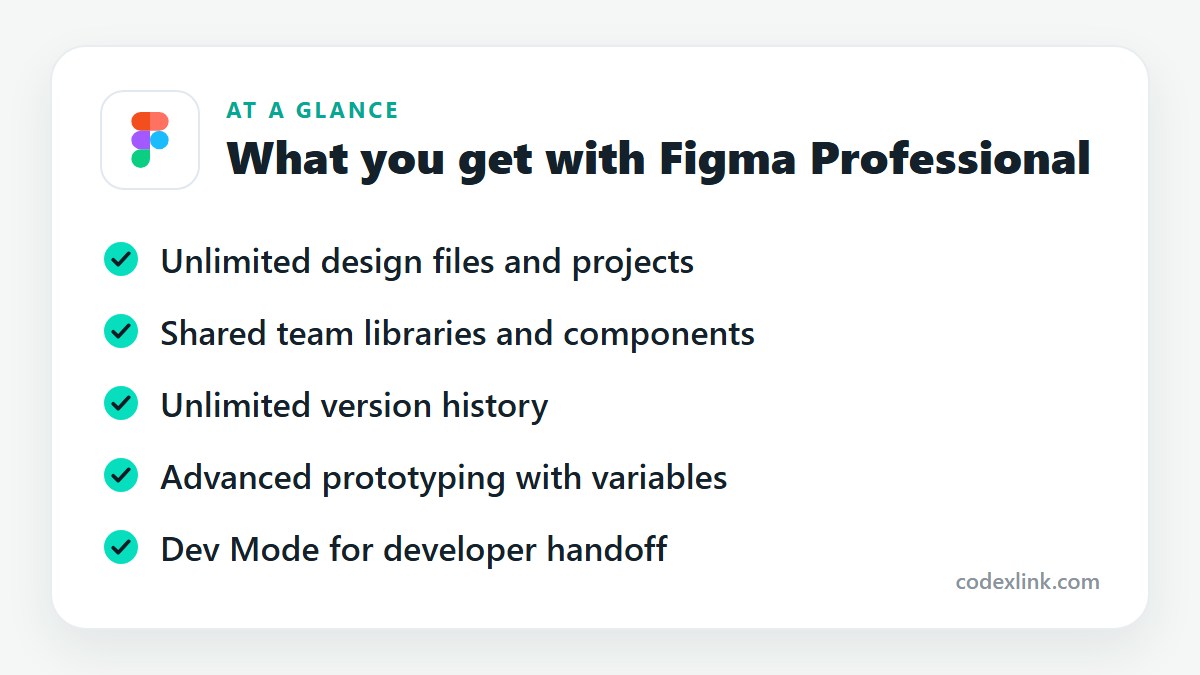
Unlimited files and pages. No cap on team files, projects or pages within a file.
Team libraries. Publish components, colours and text styles once and use them across every file. Update a button in the library and it updates everywhere. This is the single biggest reason teams upgrade, because it turns a pile of files into a design system.
Unlimited version history. Go back to any earlier state of a file, name versions at milestones and restore them.
Advanced prototyping. Variables, conditional logic and multiple modes let prototypes behave like the real product, including light and dark themes.
Dev Mode. A view built for developers, showing measurements, spacing, code snippets and what changed since the last handoff.
Sharing controls. Private projects, permission settings and audio conversations inside files.
Understanding seats
Figma bills per seat, and not everyone needs the same kind. People who design need full seats. Developers who only inspect files need Dev Mode access. Stakeholders who just view and comment can stay free.
Figma has adjusted its seat types and prices in recent years, so check the current structure before you budget. The principle hasn't changed: pay for editors, not for viewers.
Who should upgrade
- Freelance designers handling several client projects.
- Product teams that need a shared component library.
- Agencies that hand designs to developers regularly.
If you're learning Figma or designing one small project alone, the Starter plan is enough. Organisations that need central admin, single sign-on and design system analytics are served by the Organization and Enterprise tiers.
Good habits once you're on Professional
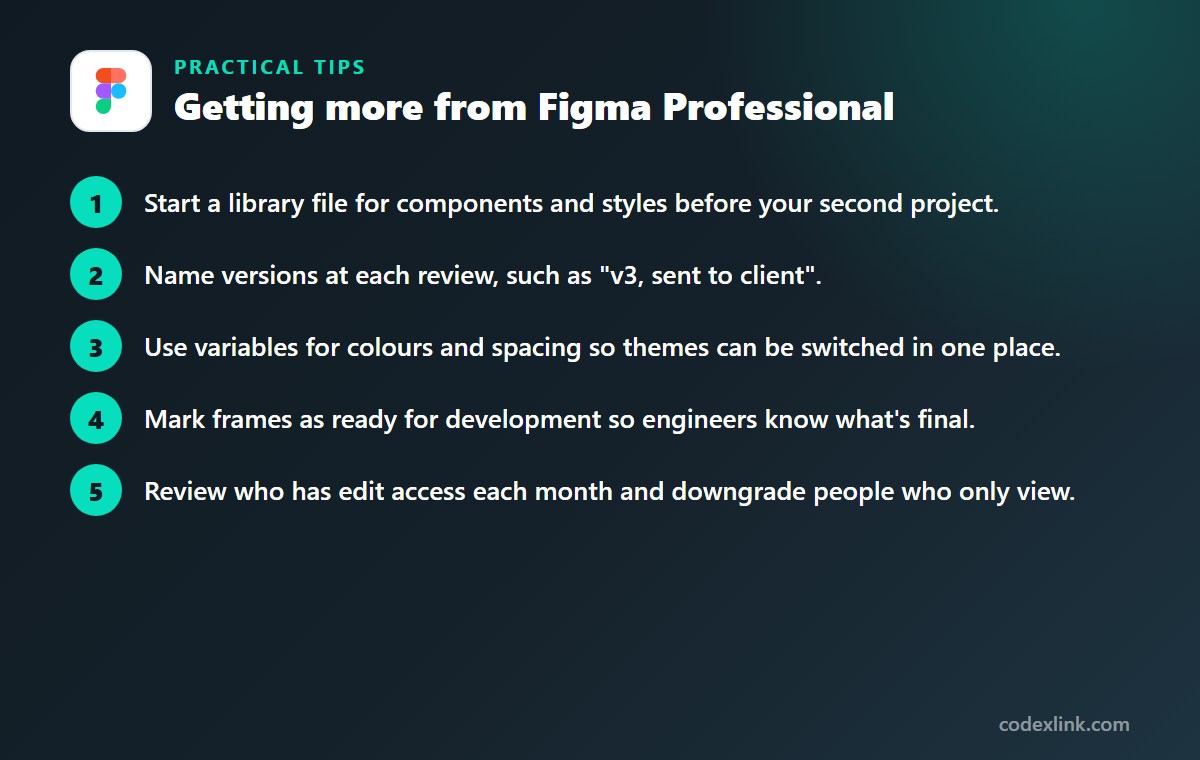
- Start a library file for components and styles before your second project.
- Name versions at each review, such as "v3, sent to client".
- Use variables for colours and spacing so themes can be switched in one place.
- Mark frames as ready for development so engineers know what's final.
- Review who has edit access each month and downgrade people who only view.
Figma Professional availability and pricing around the world
Figma runs in the browser, so it is available almost anywhere. Pricing is in US dollars for most customers, with local currency in some markets and tax added where required.
Verified students and educators can use Figma's paid features free through its education plan, which is worth checking before you pay for a Professional seat.
Figma Starter (free) vs Figma Professional: quick comparison
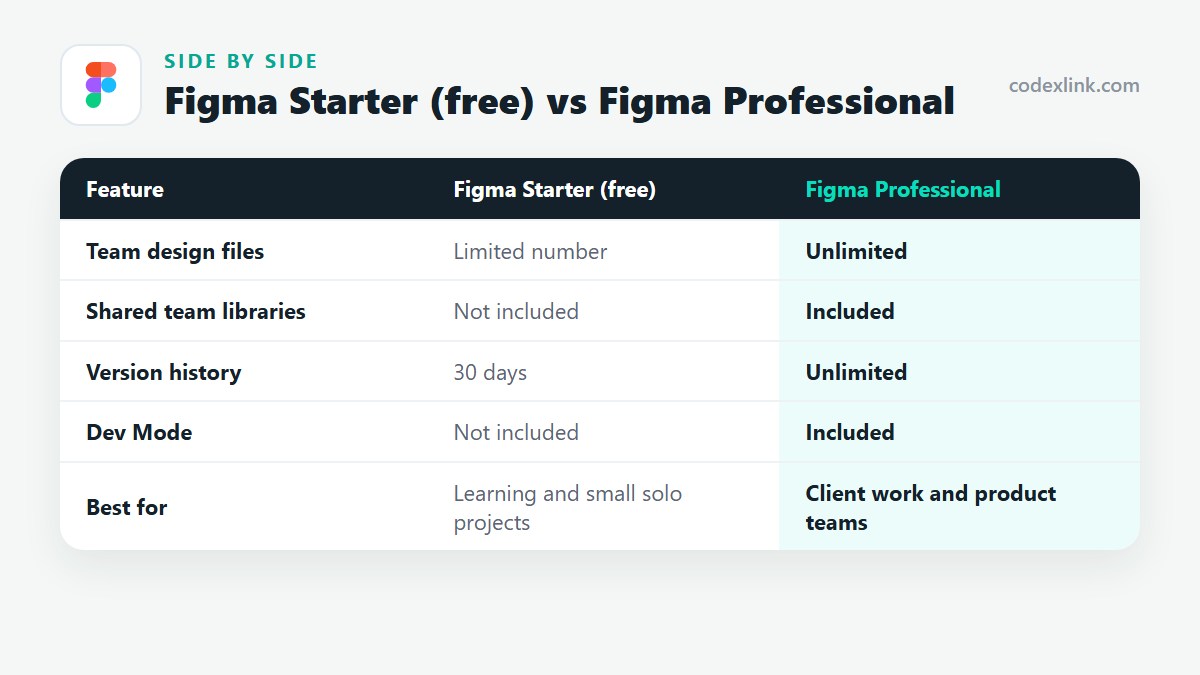
| Feature | Figma Starter (free) | Figma Professional |
|---|---|---|
| Team design files | Limited number | Unlimited |
| Shared team libraries | Not included | Included |
| Version history | 30 days | Unlimited |
| Dev Mode | Not included | Included |
| Best for | Learning and small solo projects | Client work and product teams |
Figma Professional pros and cons
Pros
- Shared libraries keep every file consistent
- No limits on files, pages or history
- Dev Mode makes developer handoff clearer
Cons
- Billed per editor seat
- Seat types and pricing change, so budgets need checking
- More than a beginner needs
Getting Figma Professional through CodeX Link
Figma Professional is listed in the CodeX Link marketplace. Contact the team on WhatsApp for the current price and to confirm the seat type and activation method.
How to order
- Choose Figma Professional on the marketplace.
- Message the team on WhatsApp to confirm the price, plan and activation steps.
- Complete activation and start using it.
Frequently asked questions
Is Figma Professional worth it?
It is worth it for anyone running multiple projects or working in a team. Unlimited files and shared libraries remove the limits that slow down real work on the free plan.
What is the difference between Figma free and Professional?
The free Starter plan caps team files and pages and keeps 30 days of history. Professional offers unlimited files, shared team libraries, unlimited version history, advanced prototyping and Dev Mode.
Do viewers need a paid Figma seat?
No. People who only view and comment can do so for free. Paid seats are for those who edit designs or need Dev Mode.
What is Dev Mode in Figma?
Dev Mode is a workspace for developers inside Figma. It shows measurements, styles and code snippets, and highlights what has changed, making handoff from design to code clearer.
Can I use Figma offline?
Figma is built to work online. The desktop app can keep working on already-open files for a short time without a connection, but changes sync only once you're back online.
Is Figma free for students?
Yes. Figma's education plan gives verified students and educators access to its paid design features at no cost.
How much does Figma Professional cost?
The official price is set by the provider and varies by country, plan and billing period. On the CodeX Link marketplace, Figma Professional is listed at $15.00 per month at the time of writing.
How do I buy Figma Professional from CodeX Link?
Choose Figma Professional on the CodeX Link marketplace, then message the team on WhatsApp to confirm the price and plan. They guide you through payment and activation.
Interested in Figma Professional?
Chat with the CodeX Link team for the current price and activation details, or browse every tool in the marketplace.
Product names and logos belong to their respective owners. Features and plan details change over time, so confirm the current terms with the provider before you buy.