GitHub Copilot is an AI coding assistant from GitHub that runs inside your code editor. It suggests code as you type, answers questions in a chat panel, generates tests and explains code in most popular programming languages.
Key takeaways
- GitHub Copilot suggests code as you type and answers questions about your codebase inside your editor.
- It speeds up routine work most: boilerplate, tests, documentation and unfamiliar syntax.
- You still have to review what it writes. It produces plausible code, not guaranteed-correct code.
Developers who try an AI coding assistant tend to split into two camps within a week. Some say it writes half their code. Others say it wastes their time with confident nonsense. Both are usually describing GitHub Copilot, and both are partly right.
Whether it helps depends on the kind of work you do and how you use it.
What GitHub Copilot is
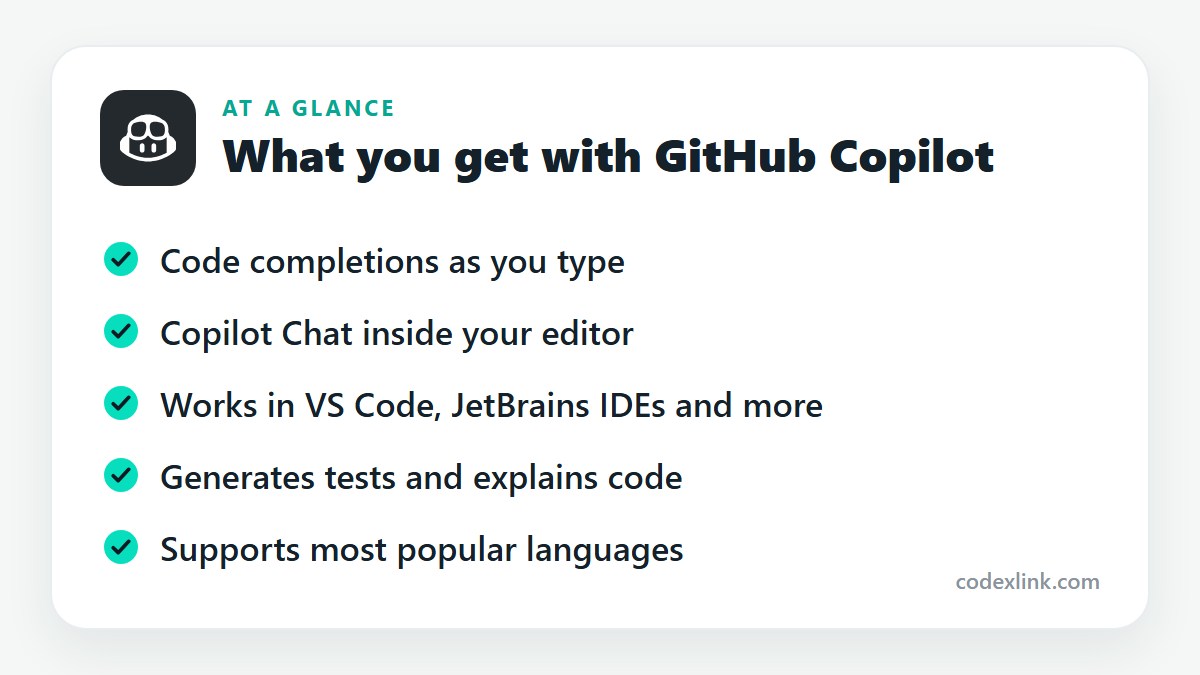
GitHub Copilot is an AI assistant that runs inside your code editor. It reads the file you're working on and the surrounding context, then suggests what comes next, from a single line to a whole function. It also includes a chat panel where you can ask questions in plain language.
It works in Visual Studio Code, Visual Studio, the JetBrains IDEs, Neovim and others, as well as on GitHub's website.
What it does
Code completion. Start typing, or write a comment describing what you want, and Copilot proposes code in grey text. Press Tab to accept it.
Copilot Chat. Ask it to explain a block of code, find a bug, suggest a refactor or write a function. It can refer to files in your project.
Test generation. Select a function and ask for unit tests. The output usually needs adjusting, but it gets you most of the way.
Explanations and documentation. Useful when you inherit code or work in a language you don't know well.
Multi-file edits and agent features. Newer versions can propose changes across several files and carry out multi-step tasks. These features are evolving quickly and vary by plan.
It supports most widely used languages, with the strongest results in JavaScript, TypeScript, Python, Go, Java, C# and PHP, where there's the most public code to learn from.
The plans
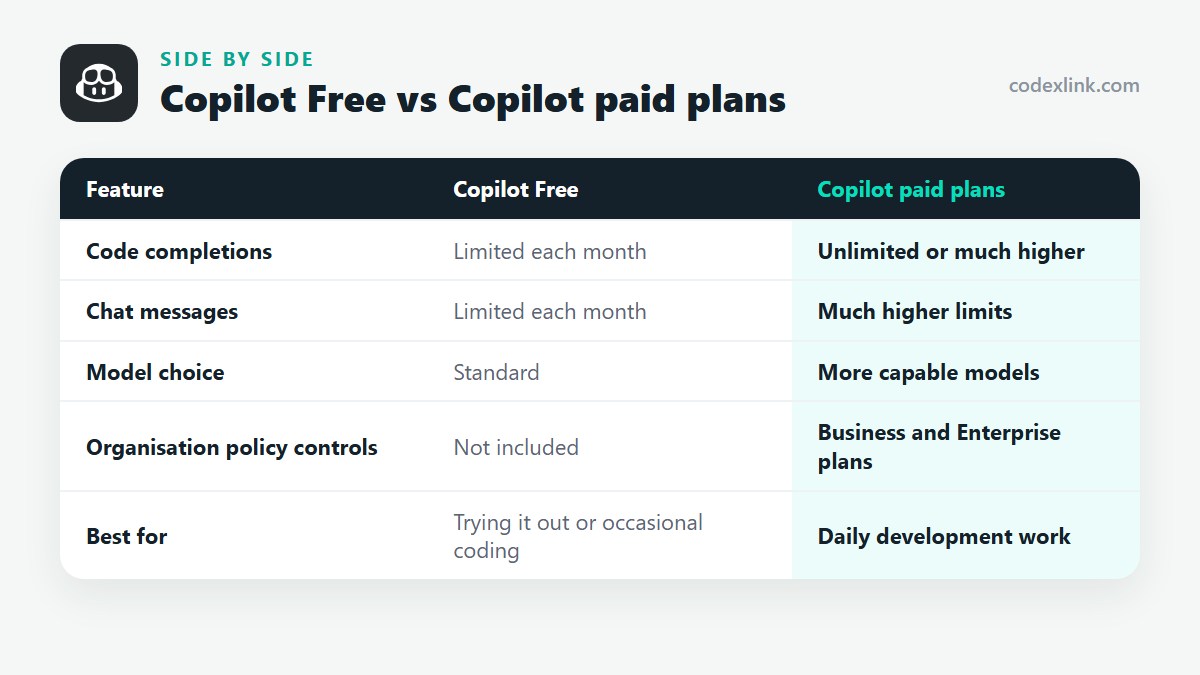
GitHub offers a free tier with limited monthly completions and chat messages, which is enough to try it properly. Paid individual plans raise or remove those limits and give access to more capable models. Business and Enterprise plans add organisation-wide policy controls and management.
Verified students, teachers and maintainers of popular open source projects can get Copilot at no cost through GitHub's programmes.
Where it helps, and where it doesn't
Copilot is at its best on work that's predictable: boilerplate, data transformations, API calls, configuration files, regular expressions and tests. It's also a fast way to recall syntax you half remember.
It's weaker on anything that needs understanding of your whole system: architecture decisions, subtle business rules, performance-critical code. It can also suggest outdated library usage or code with security flaws.
Treat it like a quick junior colleague. Read every suggestion before accepting it, run the tests, and don't merge code you couldn't have written or can't explain.
Getting better suggestions
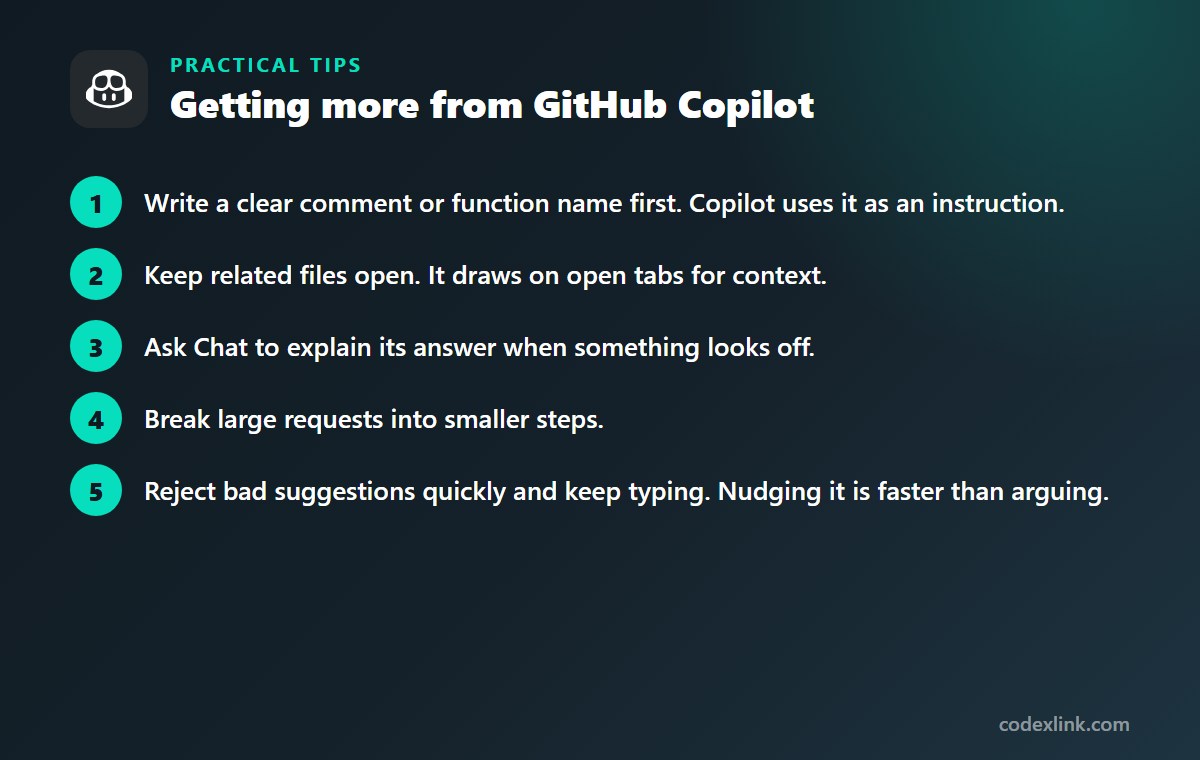
- Write a clear comment or function name first. Copilot uses it as an instruction.
- Keep related files open. It draws on open tabs for context.
- Ask Chat to explain its answer when something looks off.
- Break large requests into smaller steps.
- Reject bad suggestions quickly and keep typing. Nudging it is faster than arguing.
Privacy and company code
Before using Copilot on work projects, check your employer's policy. Business and Enterprise plans include controls over data handling and can block suggestions that match public code. Individual plans have settings for whether your code is used to improve the product.
GitHub Copilot availability and pricing around the world
GitHub Copilot is available to GitHub users in most countries and is priced in US dollars. It isn't offered in regions where GitHub's services are restricted by United States trade sanctions.
Copilot Chat understands questions in many languages, though answers are most reliable in English. Verified students and teachers can get Copilot at no cost wherever GitHub's education programme operates.
Copilot Free vs Copilot paid plans: quick comparison
| Feature | Copilot Free | Copilot paid plans |
|---|---|---|
| Code completions | Limited each month | Unlimited or much higher |
| Chat messages | Limited each month | Much higher limits |
| Model choice | Standard | More capable models |
| Organisation policy controls | Not included | Business and Enterprise plans |
| Best for | Trying it out or occasional coding | Daily development work |
GitHub Copilot pros and cons
Pros
- Speeds up boilerplate, tests and documentation
- Works inside the editors developers already use
- Free tier makes it easy to evaluate
Cons
- Suggestions can contain bugs or security flaws
- Weaker on architecture and business logic
- Company policies may restrict its use
Getting GitHub Copilot through CodeX Link
GitHub Copilot is available in the CodeX Link marketplace. Contact the team on WhatsApp for the current price and to confirm how the subscription is activated on your GitHub account.
How to order
- Choose GitHub Copilot on the marketplace.
- Message the team on WhatsApp to confirm the price, plan and activation steps.
- Complete activation and start using it.
Frequently asked questions
Is GitHub Copilot worth it?
For most developers who code daily, yes. It saves time on boilerplate, tests and unfamiliar syntax. If you code occasionally, the free tier may be all you need.
Is GitHub Copilot free?
There is a free tier with limited monthly usage. Verified students, teachers and some open source maintainers get fuller access at no cost. Paid plans remove the limits.
Which editors support GitHub Copilot?
Visual Studio Code, Visual Studio, JetBrains IDEs such as IntelliJ and PyCharm, Neovim and several others, plus GitHub's website and mobile app.
Does GitHub Copilot write correct code?
Often, but not always. It can produce code that looks right and contains bugs or security problems. Always review and test what it suggests.
Is my code private when I use GitHub Copilot?
It depends on your plan and settings. Business and Enterprise plans have stricter data controls, and individual accounts can choose whether their code is used for product improvement. Check GitHub's current documentation.
Is GitHub Copilot available worldwide?
It is available in most countries. The exceptions are regions subject to United States trade restrictions, where GitHub limits its services.
How much does GitHub Copilot cost?
The official price is set by the provider and varies by country, plan and billing period. On the CodeX Link marketplace, GitHub Copilot is listed at $9.99 per month at the time of writing.
How do I buy GitHub Copilot from CodeX Link?
Choose GitHub Copilot on the CodeX Link marketplace, then message the team on WhatsApp to confirm the price and plan. They guide you through payment and activation.
Interested in GitHub Copilot?
Chat with the CodeX Link team for the current price and activation details, or browse every tool in the marketplace.
Product names and logos belong to their respective owners. Features and plan details change over time, so confirm the current terms with the provider before you buy.