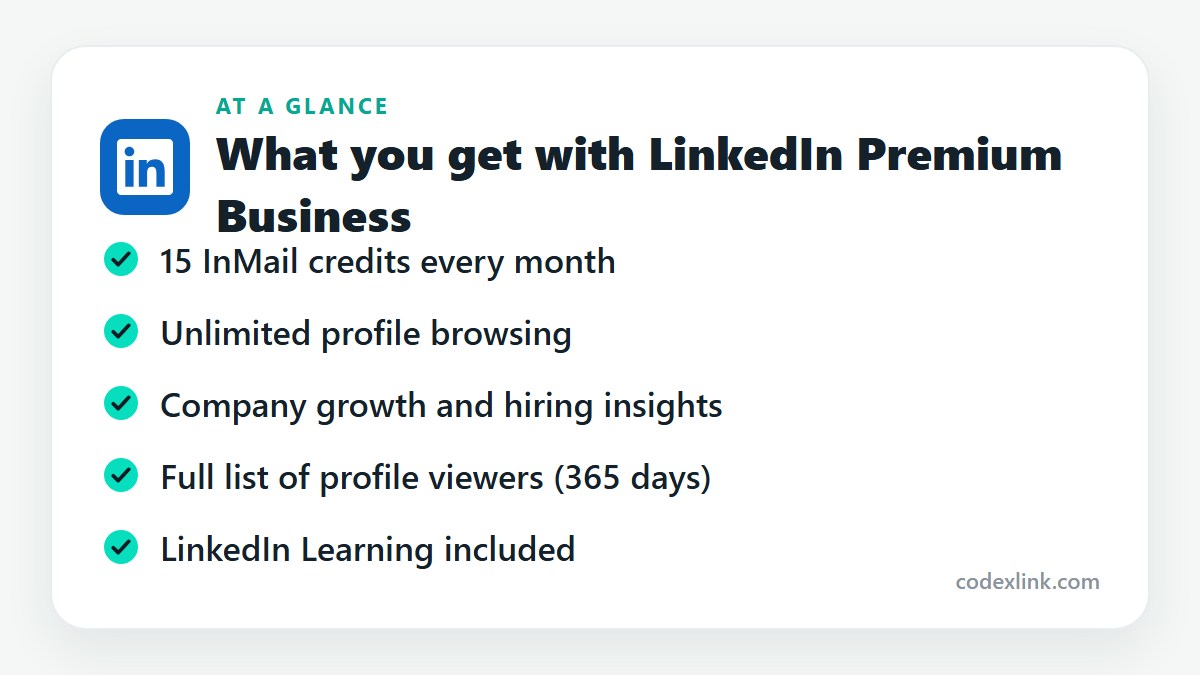
LinkedIn Premium Business is the mid-level LinkedIn plan for professionals and business owners. It includes 15 InMail credits a month, unlimited profile browsing with no commercial use limit, company insights and LinkedIn Learning.
Key takeaways
- Premium Business suits consultants, founders and anyone who uses LinkedIn to find clients or partners rather than a job.
- Its two real advantages are 15 InMail credits a month and no commercial use limit on searching and browsing.
- If you prospect every day and need saved lead lists, Sales Navigator is the better tool.
LinkedIn Premium Business is the plan people land on when the free account starts getting in the way of work. You search for prospects, open a dozen profiles, and LinkedIn tells you that you've reached the commercial use limit for the month.
That limit is the main reason this plan exists. Here is what you get for removing it.
What LinkedIn Premium Business is
Premium Business sits between Premium Career and Sales Navigator. Career is for job seekers. Sales Navigator is a dedicated prospecting tool with its own interface. Business is the middle option: your normal LinkedIn, with the restrictions taken off and more ways to reach people.
What you get
15 InMail credits a month. Three times what Career offers. You can message people outside your network, which is how most first conversations with a potential client or partner start. A credit comes back when the recipient replies.
Unlimited browsing. Free accounts hit a monthly cap when LinkedIn decides you are searching for commercial reasons. Business removes it, so you can search and open profiles up to third-degree connections without being cut off.
Company insights. Company pages show headcount growth, hiring trends by department and notable new hires. It's useful when you are sizing up a prospect, a competitor or a potential employer.
Who viewed your profile. The full list for the last 365 days, plus how people found you.
LinkedIn Learning. The complete course library, same as on Career.
Where it earns its cost
A freelance consultant looking for three new clients a quarter is the typical good fit. You search by title and industry, read profiles without a cap, check whether a company is growing, and send a short InMail to the person who owns the problem you solve.
It also works for founders who are hiring or fundraising. Company insights show which teams a business is building, and InMail gets you to investors or candidates who aren't in your network.
Where it falls short
Business gives you access. It doesn't give you a workflow. There are no saved lead lists, no alerts when a prospect changes job, and the search filters are the standard ones.
If you contact dozens of new people every week, you will feel that quickly. That is the point where LinkedIn Sales Navigator is worth the higher price. And if your only goal is a new job, Premium Career does the job for less.
Making 15 InMails count
Fifteen messages is not many, so aim them carefully.
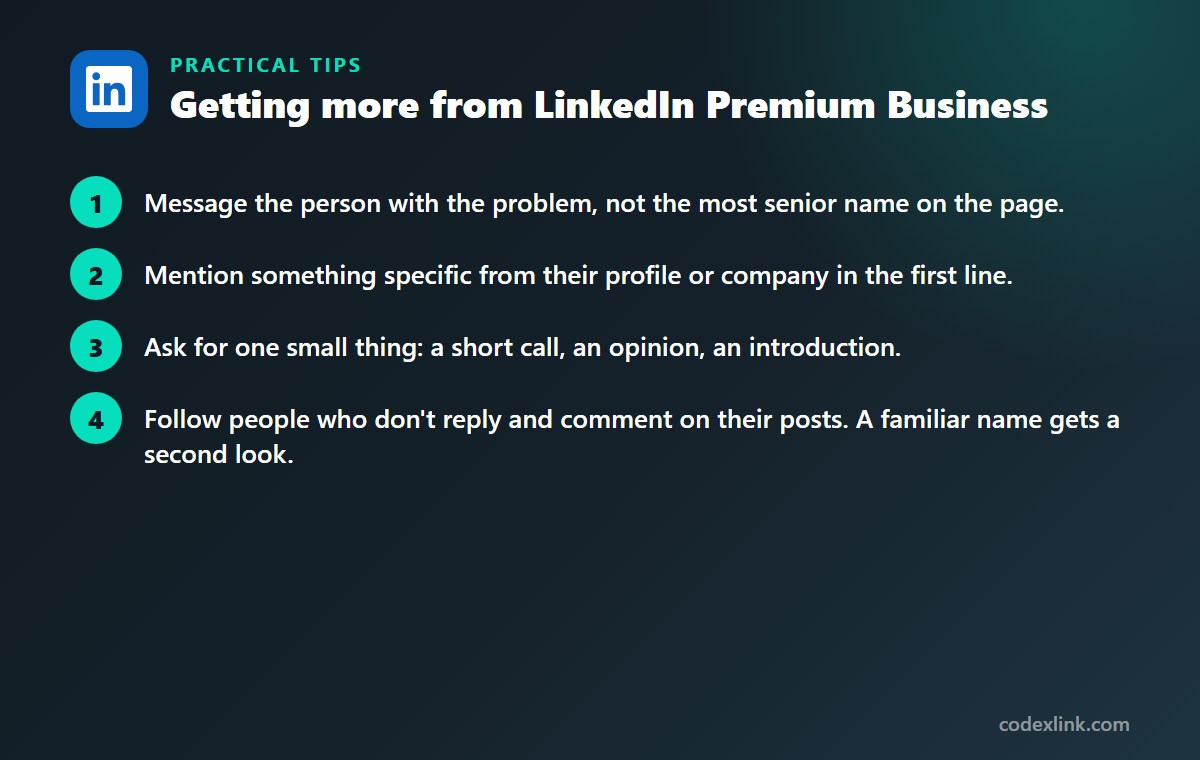
- Message the person with the problem, not the most senior name on the page.
- Mention something specific from their profile or company in the first line.
- Ask for one small thing: a short call, an opinion, an introduction.
- Follow people who don't reply and comment on their posts. A familiar name gets a second look.
Messages that open with a pitch get ignored. Messages that open with something relevant get answered more often, and every reply returns your credit.
LinkedIn Premium Business availability and pricing around the world
LinkedIn Premium Business can be bought in most countries where LinkedIn operates. Pricing is local, so the monthly cost in one country can differ noticeably from another, and tax is added at checkout where required.
The core features, InMail, unlimited browsing and company insights, work the same everywhere. Company data is naturally richer for regions where more businesses keep active LinkedIn pages.
Premium Career vs Premium Business: quick comparison
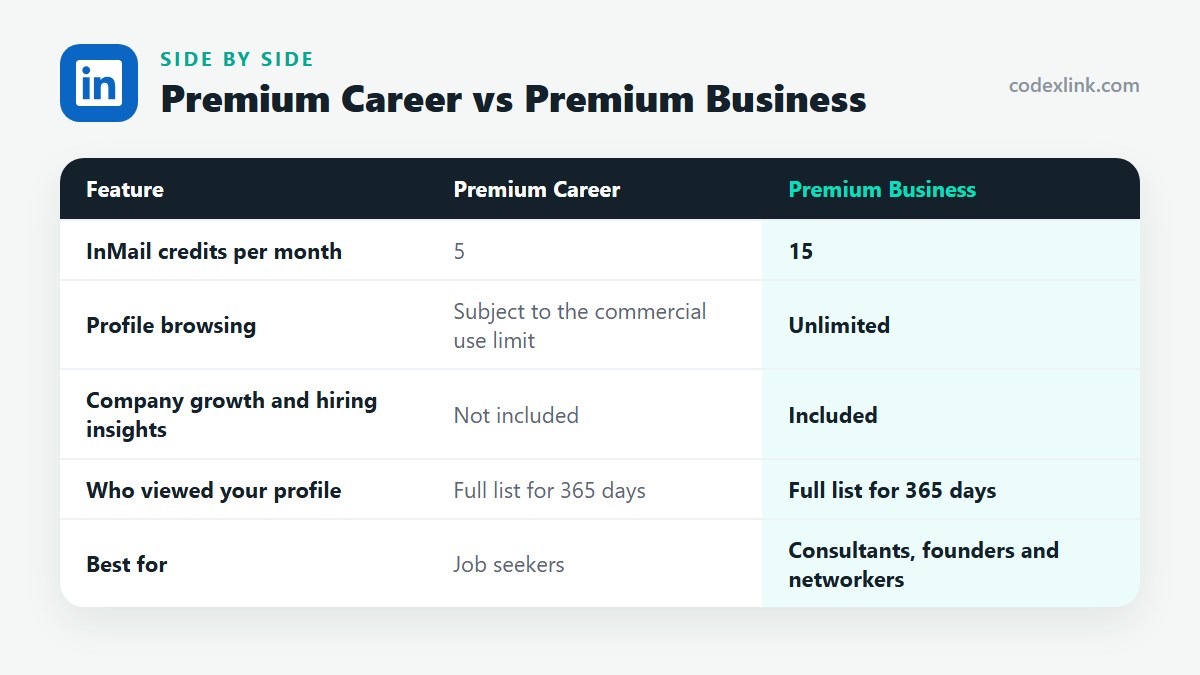
| Feature | Premium Career | Premium Business |
|---|---|---|
| InMail credits per month | 5 | 15 |
| Profile browsing | Subject to the commercial use limit | Unlimited |
| Company growth and hiring insights | Not included | Included |
| Who viewed your profile | Full list for 365 days | Full list for 365 days |
| Best for | Job seekers | Consultants, founders and networkers |
LinkedIn Premium Business pros and cons
Pros
- Removes the monthly search and browsing cap
- Three times the InMail credits of Career
- Company insights help with research before outreach
Cons
- No saved lead lists or job-change alerts
- Standard search filters only
- More than a job seeker needs
Getting LinkedIn Premium Business through CodeX Link
LinkedIn Premium Business is available from the CodeX Link marketplace. Ask the team on WhatsApp about the current price, the subscription length on offer and how it is activated on your account.
How to order
- Choose LinkedIn Business Plan on the marketplace.
- Message the team on WhatsApp to confirm the price, plan and activation steps.
- Complete activation and start using it.
Frequently asked questions
What is the difference between LinkedIn Premium Career and Business?
Career is designed for job seekers and includes 5 InMails a month. Business includes 15 InMails, unlimited profile browsing and company insights, which suit client work, networking and research.
What is the commercial use limit on LinkedIn?
It is a monthly cap LinkedIn places on free accounts when search activity looks like recruiting or prospecting. Once you reach it, search results are restricted until the next month. Premium Business removes that cap.
Is LinkedIn Premium Business worth it for a small business owner?
It is if LinkedIn is one of your main ways of finding clients, partners or hires. If you only post updates and reply to messages, the free account is enough.
Does Premium Business include Sales Navigator?
No. Sales Navigator is a separate product with advanced lead filters, saved lists and alerts. Business is the standard LinkedIn experience with fewer limits.
Can I switch from Business to another Premium plan later?
Yes. LinkedIn lets you change plans from your Premium settings, and the change normally takes effect at the next billing date.
Does LinkedIn Premium Business cost the same in every country?
No. LinkedIn prices its plans by country and currency, and local taxes are added on top. Check the price shown on your own account before comparing offers.
How much does LinkedIn Premium Business cost?
The official price is set by the provider and varies by country, plan and billing period. On the CodeX Link marketplace, LinkedIn Business Plan is listed at $24.99 per month at the time of writing.
How do I buy LinkedIn Premium Business from CodeX Link?
Choose LinkedIn Business Plan on the CodeX Link marketplace, then message the team on WhatsApp to confirm the price and plan. They guide you through payment and activation.
Interested in LinkedIn Premium Business?
Chat with the CodeX Link team for the current price and activation details, or browse every tool in the marketplace.
Product names and logos belong to their respective owners. Features and plan details change over time, so confirm the current terms with the provider before you buy.