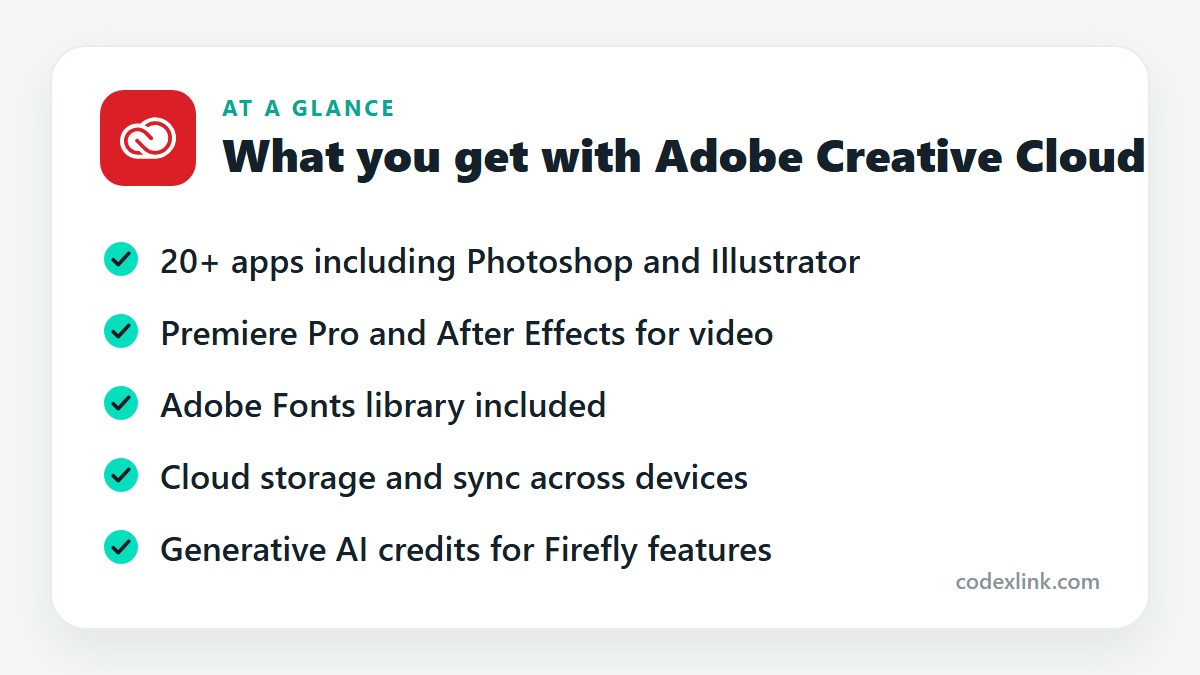
Adobe Creative Cloud All Apps is Adobe's subscription that bundles more than 20 creative programs, including Photoshop, Illustrator, InDesign, Premiere Pro and After Effects, with cloud storage, Adobe Fonts and generative AI credits.
Key takeaways
- Creative Cloud All Apps bundles more than 20 Adobe programs, including Photoshop, Illustrator, Premiere Pro, After Effects and InDesign.
- If you only need one or two apps, a single-app or Photography plan costs much less.
- The subscription also includes cloud storage, the Adobe Fonts library and generative AI credits for Firefly features.
Adobe's software is the standard in design, photography and video for a reason. It is also sold in a way that confuses people, with a dozen plans and names that overlap.
This guide covers the All Apps plan: what's in it, who should buy it, and when a smaller plan is the smarter choice.
What Creative Cloud is
Creative Cloud is Adobe's subscription service. You don't buy Photoshop any more. You subscribe, download the apps you need, and receive updates for as long as the subscription runs.
The All Apps plan gives you everything Adobe makes for creative work on desktop, along with mobile versions and online services.
The main apps
Photoshop for photo editing, retouching and compositing.
Illustrator for logos, icons and vector artwork that needs to scale to any size.
InDesign for multi-page layouts: brochures, magazines, books and reports.
Premiere Pro for video editing, and After Effects for motion graphics and visual effects.
Lightroom for organising and editing large batches of photos.
Acrobat Pro for creating, editing and signing PDFs.
Beyond those, the plan includes Audition for audio, Animate, Dreamweaver, Adobe Express for quick social content, and several others. Most people use three or four regularly and open the rest when a project calls for it.
What else is included
Adobe Fonts. Thousands of typefaces licensed for personal and commercial use, synced directly into your apps.
Cloud storage. Storage for your files and libraries, so colours, logos and assets are shared between apps and devices.
Firefly generative AI. Features such as Generative Fill in Photoshop use monthly generative credits included with the plan. The number of credits depends on your subscription.
Portfolio and Behance. Tools for publishing your work online.
All Apps or a smaller plan?
All Apps costs considerably more than a single app, so it's worth working out what you'll use.
- A photographer usually needs only the Photography plan, which combines Lightroom and Photoshop.
- Someone who only edits video can take Premiere Pro alone.
- If you need three or more apps, All Apps is normally cheaper than buying them separately.
Designers, agencies and content teams almost always end up on All Apps because real projects cross between programs. A brand project might start in Illustrator, move to Photoshop for mock-ups and finish in InDesign.
What to know before subscribing
The apps are demanding. Photoshop and Premiere Pro want a decent processor, plenty of memory and a dedicated graphics card for comfortable use. Check Adobe's system requirements against your computer.
There's also a learning curve. These are professional tools, and the first few weeks can be slow. If you only need social posts and simple graphics, Canva Pro will get you there faster.
Finally, read the subscription terms. Adobe's annual plans billed monthly carry a fee if cancelled early, which catches many people out.
Tips for your first month
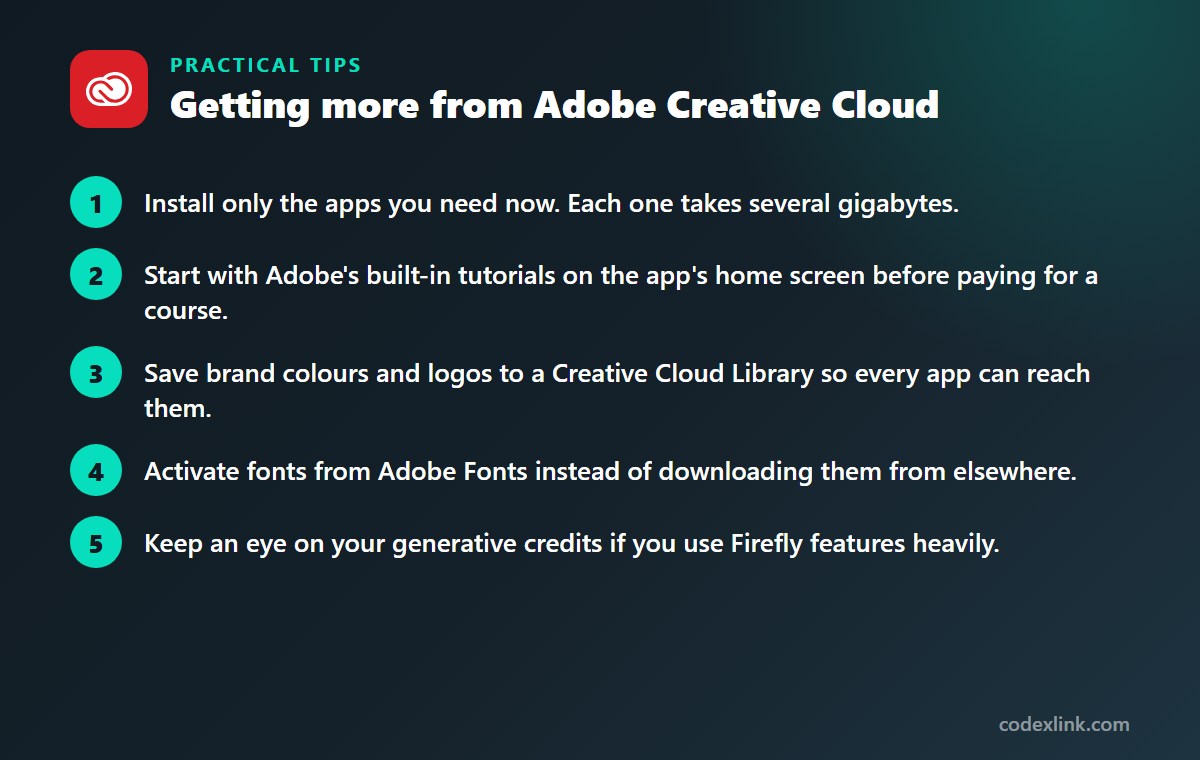
- Install only the apps you need now. Each one takes several gigabytes.
- Start with Adobe's built-in tutorials on the app's home screen before paying for a course.
- Save brand colours and logos to a Creative Cloud Library so every app can reach them.
- Activate fonts from Adobe Fonts instead of downloading them from elsewhere.
- Keep an eye on your generative credits if you use Firefly features heavily.
Adobe Creative Cloud availability and pricing around the world
Adobe Creative Cloud is sold in most countries, but pricing varies widely by region and is charged in local currency where Adobe supports it. Students and teachers can get a substantial discount on the All Apps plan in many markets.
The desktop apps are available in many languages. Some services, and certain generative AI features, are limited by country or language, so check Adobe's availability notes if you depend on a specific one.
Single-app plan vs Creative Cloud All Apps: quick comparison
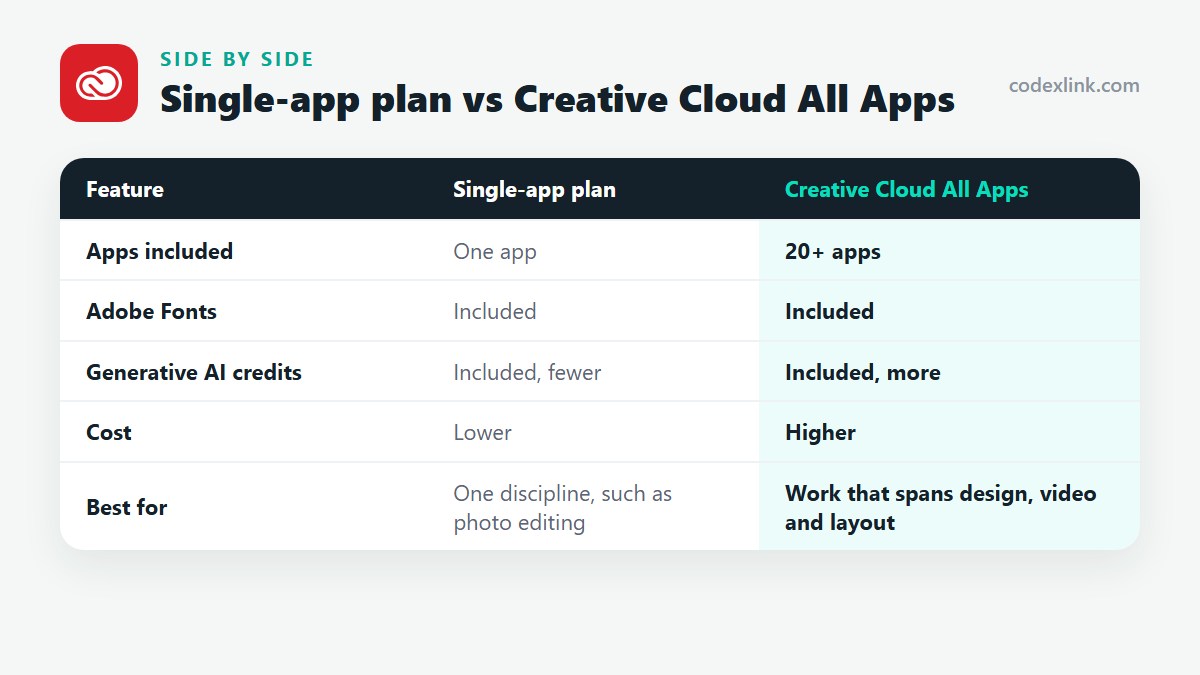
| Feature | Single-app plan | Creative Cloud All Apps |
|---|---|---|
| Apps included | One app | 20+ apps |
| Adobe Fonts | Included | Included |
| Generative AI credits | Included, fewer | Included, more |
| Cost | Lower | Higher |
| Best for | One discipline, such as photo editing | Work that spans design, video and layout |
Adobe Creative Cloud pros and cons
Pros
- Every major Adobe app in one subscription
- Industry-standard file formats and workflows
- Fonts, storage and AI tools are bundled in
Cons
- Expensive if you use only one or two apps
- Demanding on computer hardware
- Early cancellation fees on annual plans
Getting Adobe Creative Cloud through CodeX Link
Adobe Creative Cloud is listed in the CodeX Link marketplace. Message the team on WhatsApp to confirm which plan is offered, the price and how it's activated.
How to order
- Choose Adobe Creative Cloud on the marketplace.
- Message the team on WhatsApp to confirm the price, plan and activation steps.
- Complete activation and start using it.
Frequently asked questions
What apps are included in Adobe Creative Cloud All Apps?
More than 20, including Photoshop, Illustrator, InDesign, Premiere Pro, After Effects, Lightroom, Acrobat Pro, Audition and Adobe Express.
Is Adobe Creative Cloud worth it?
It is worth it for people who use three or more Adobe apps for work. If you need only Photoshop or only Premiere Pro, a single-app plan is cheaper.
Can I buy Photoshop without a subscription?
No. Adobe sells Photoshop only by subscription. The lowest-cost option is usually the Photography plan with Lightroom.
How many computers can I use Creative Cloud on?
You can install the apps on more than one computer and be signed in on two, but use them on only one at a time.
Does Creative Cloud include AI features?
Yes. Firefly-powered tools such as Generative Fill are built into the apps and use the generative credits that come with your plan.
Is Adobe Creative Cloud available worldwide?
It is available in most countries, with regional pricing. A few services and AI features are restricted in certain regions or languages.
How much does Adobe Creative Cloud cost?
The official price is set by the provider and varies by country, plan and billing period. On the CodeX Link marketplace, Adobe Creative Cloud is listed at $29.99 per month at the time of writing.
How do I buy Adobe Creative Cloud from CodeX Link?
Choose Adobe Creative Cloud on the CodeX Link marketplace, then message the team on WhatsApp to confirm the price and plan. They guide you through payment and activation.
Interested in Adobe Creative Cloud?
Chat with the CodeX Link team for the current price and activation details, or browse every tool in the marketplace.
Product names and logos belong to their respective owners. Features and plan details change over time, so confirm the current terms with the provider before you buy.